
Google Authenticator
Tools- Category Tools
- Size6.0 MB
- RequirementsAndroid 0 and up
- Download 290,000,000+
- Package Name com.google.android.apps.authenticator2
- Age Rating 0






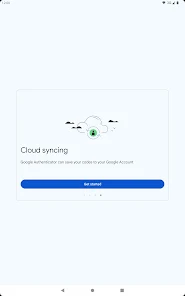



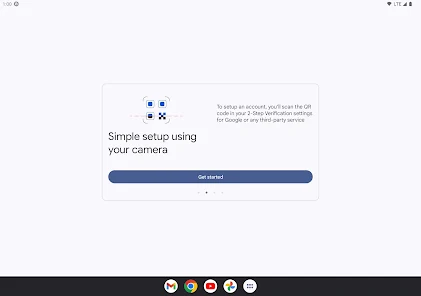
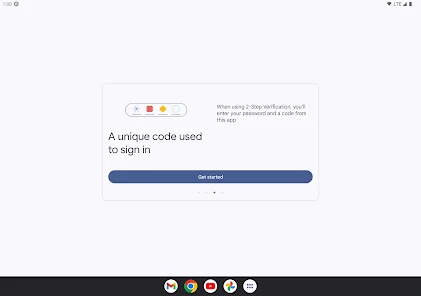
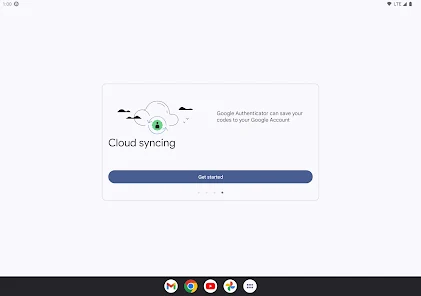
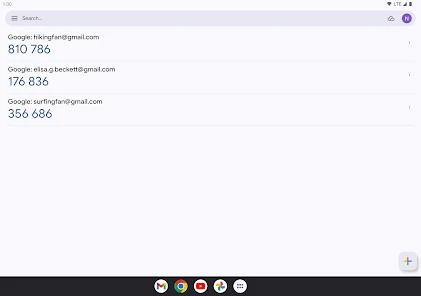
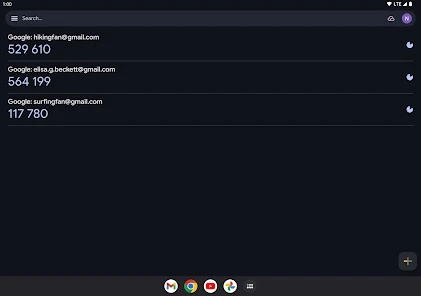
Google Authenticator is a security app designed to provide two-factor authentication (2FA) for online accounts. The app generates time-based one-time passcodes (TOTPs) that enhance account protection beyond just passwords. It supports multiple accounts, including Google, social media platforms, and other online services, offering a simple yet highly secure way to verify identity. Google Authenticator is ideal for anyone concerned with online security, from casual users to professionals managing sensitive information. Whether protecting email, banking, or social accounts, the app helps prevent unauthorized access and strengthens digital safety.
Latest Update: Optional Encrypted Backups and Simpler Device Transfers
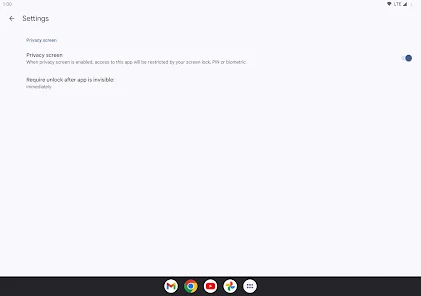
Google Authenticator added an optional, encrypted backup tied to your Google Account so you can restore 2‑step verification codes when moving devices, plus a faster, single‑scan transfer flow for migrating accounts between phones. The release also strengthened in‑app protection (PIN/biometric lock options), clarified recovery and account‑migration guidance, and updated prompts to help prevent accidental code loss—backups remain opt‑in and codes stay encrypted.
Pros
- Provides strong two-factor authentication for enhanced security.
- Supports multiple accounts with simple code generation.
- Works offline, no internet connection required for generating codes.
Cons
- Does not offer cloud backup, so switching devices requires manual setup.
- Lacks advanced features such as biometric authentication or notifications.
- Losing access to the device can temporarily lock users out of accounts without recovery codes.
Is Google Authenticator free to use?
Yes, the app is completely free to download and use for generating verification codes.
Can I back up my accounts in Google Authenticator?
The app does not automatically back up codes. Users need to manually transfer accounts when switching devices or keep recovery codes safe.


