
Securus Mobile
Communication- Category Communication
- Size18.45 MB
- RequirementsAndroid 0 and up
- Download 960,000,000+
- Package Name com.securus.videoclient
- Age Rating 0
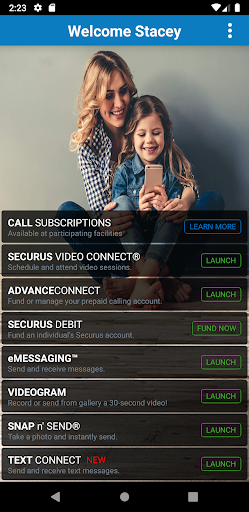
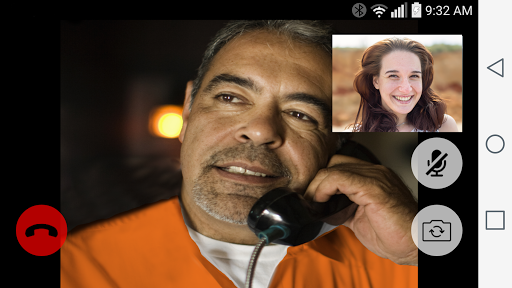

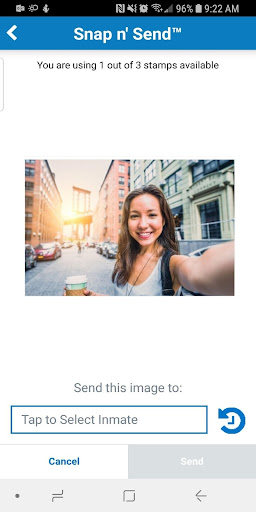
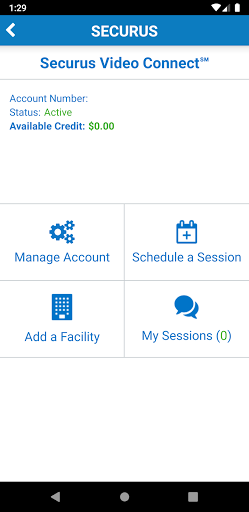
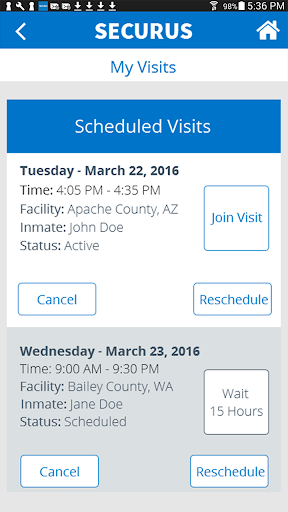
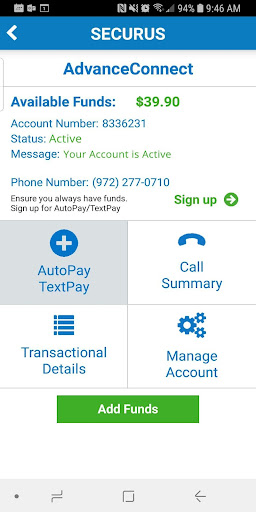
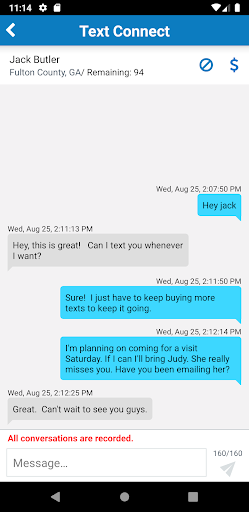
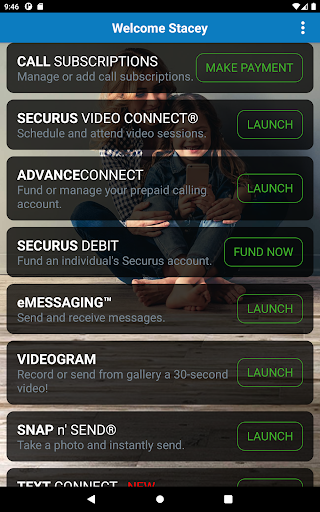
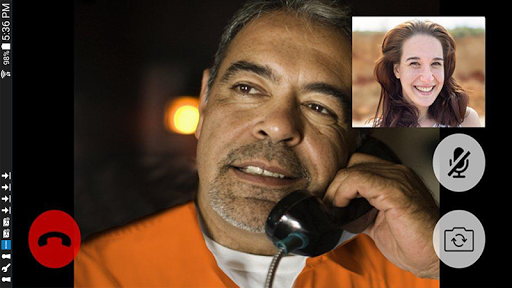

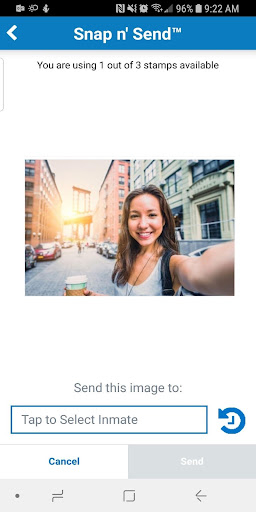
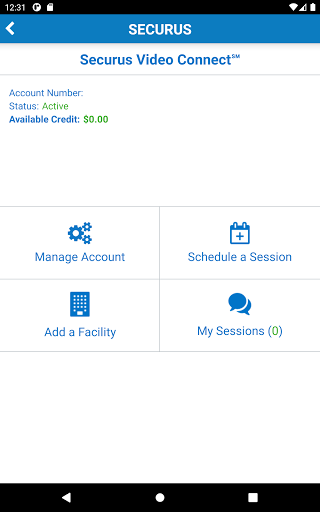
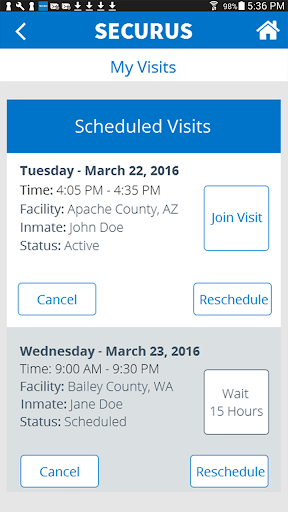
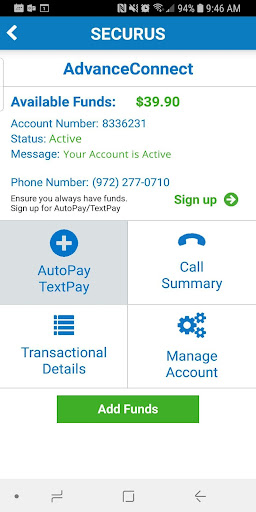
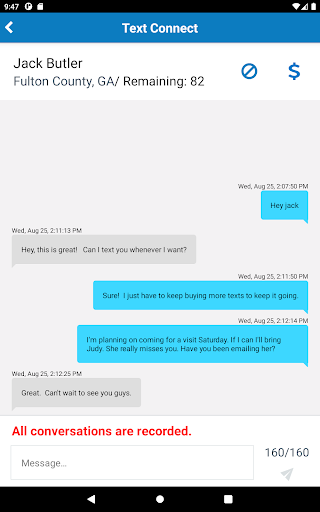
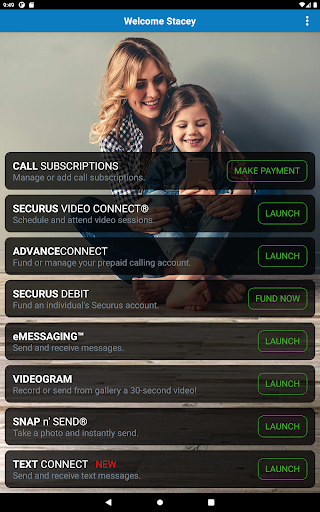
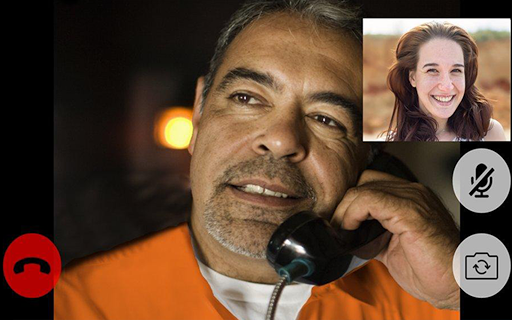

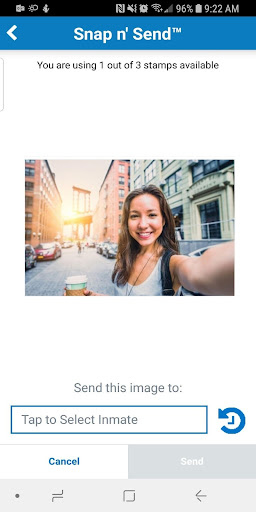
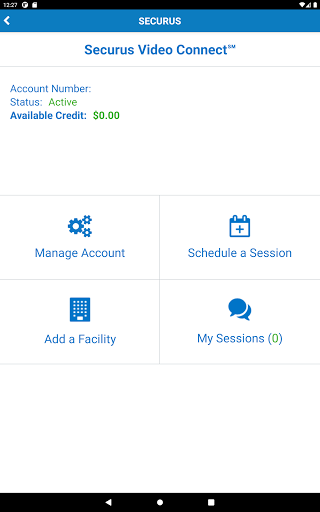
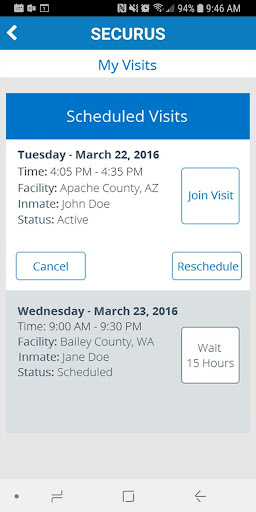
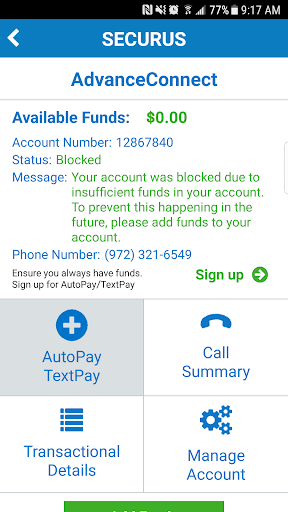

Securus Mobile is the companion app for Securus Technologies’ corrections communications services, designed for friends and family to manage accounts, connect with incarcerated people via phone calls or video visits, send electronic messages where supported, and make deposits for commissary or calling funds. The app centralizes account funding, visit scheduling, transaction history and notifications to simplify maintaining contact when an in‑person visit is not possible.
Pro
1. Centralizes payments, visit scheduling and account history in one mobile interface, making it easier to maintain contact.
2. Supports video visits and secure messaging where facilities allow, offering alternatives to in‑person visits.
3. In‑app receipts, notifications and basic account controls improve transparency and convenience for users managing multiple transactions.
Con
1. Service availability and feature set vary widely by facility—some locations support only calls or limited messaging.
2. Users and advocacy groups have raised concerns about call/message pricing and fees—expect transactional costs that may be significant over time.
3. Customer support experiences and scheduling windows can be inconsistent depending on the facility and regional policies.
Frequently Asked Questions
Is the Securus Mobile app free to download and use?
The app is free to download, but services accessed through it—phone calls, video visits, messaging and deposits—typically incur fees set by Securus and/or the correctional facility. Always review the fee breakdown before completing a transaction.
How do I add funds to an inmate’s account?
Sign in or create an account in the app, select the appropriate inmate/facility, choose the deposit or funding option, enter payment details and confirm. You’ll receive an in‑app receipt and email confirmation; processing times and available methods may vary by facility.
How do I schedule a video visit and what should I expect?
Open the Video Visitation section, select the inmate and an available time slot, and complete any required payments or confirmations. Review facility rules (guest limits, ID requirements, session length) and join the visit a few minutes early. Video quality depends on device, network and facility infrastructure; follow in‑app instructions for troubleshooting or contact support if issues arise.


