
Microsoft Solitaire Collection
Card- Category Card
- Size94.5 MB
- RequirementsAndroid 0 and up
- Download 560,000,000+
- Package Name com.microsoft.microsoftsolitairecollection
- Age Rating 0
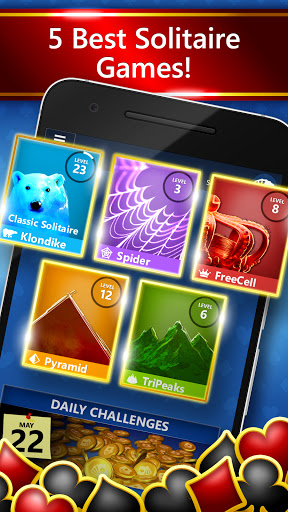
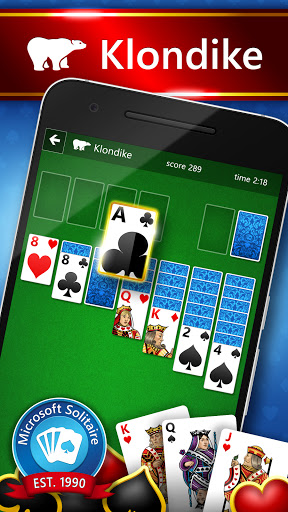
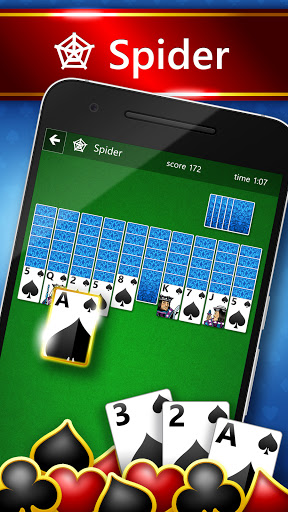
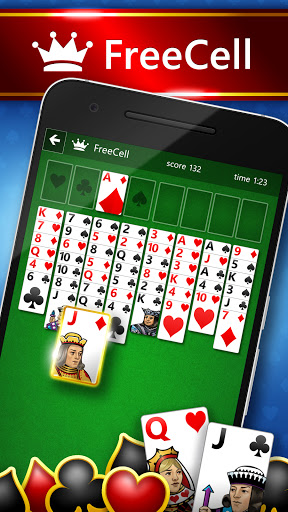




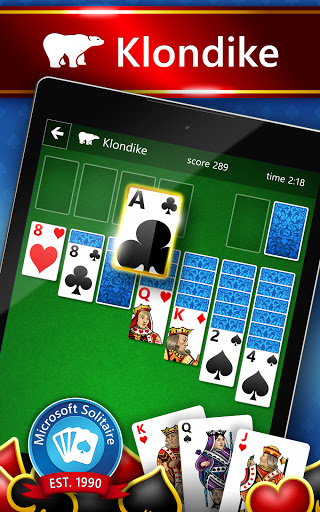


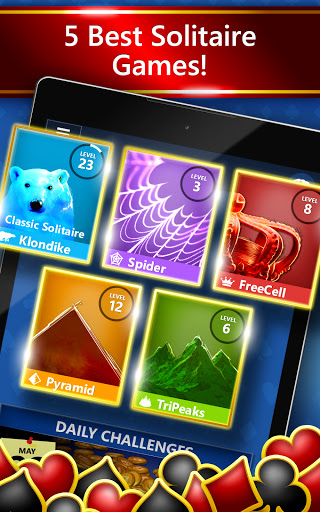

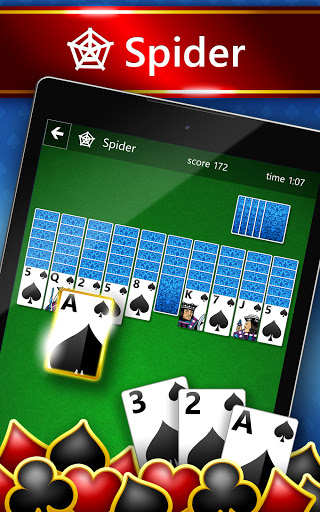
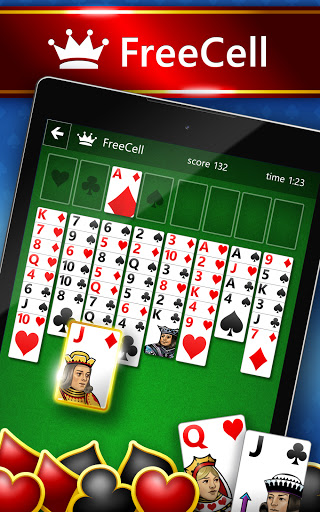


Microsoft Solitaire Collection is the official collection of classic solitaire card games from Microsoft, bundling Klondike (the familiar “Solitaire”), Spider, FreeCell, TriPeaks and Pyramid into a single app. Designed for casual players and longtime fans, the app offers polished graphics, daily challenges, leaderboards and simple controls across Windows, iOS and Android. Sign‑in with a Microsoft account enables progress sync, achievements and competitive play.
Latest Update: New Match‑3, Arcade, and Puzzle Games Added
Microsoft Solitaire Collection now goes beyond the classic five modes you love—Klondike, Spider, FreeCell, TriPeaks, and Pyramid. The latest update introduces an expanded game library with new match‑3, arcade, and puzzle‑style options, including Microsoft Bubble, Jewel, Gravity Blocks, Gem Drop, and Mahjong 3D. All these new titles are playable directly inside the newest version of Microsoft Solitaire Collection, giving players more variety and fresh ways to enjoy their daily game time.
Pro
1. Multiple solitaire variants in one polished, easy‑to‑use app—great for both casual and dedicated players.
2. Daily challenges, leaderboards and achievements add replay value and friendly competition.
3. Cross‑device sync and accessibility options make the app usable across platforms and by more players.
Con
1. Ads in the free version can interrupt play; some features and perks require a paid subscription.
2. Gameplay can feel repetitive over time for players seeking more novel mechanics or deeper progression systems.
3. Occasional performance hiccups or platform‑specific bugs may appear on older devices.
Frequently Asked Questions
Is Microsoft Solitaire Collection free?
The app is free to download and play with ads. An optional Premium subscription removes ads and provides additional benefits; check the app store listing for subscription terms in your region.
Can I sync my progress across devices?
Yes—signing in with your Microsoft account (or Xbox profile) lets you save progress, earn achievements and sync Daily Challenge progress across supported devices.
Does the game work offline?
Most single‑player modes and many Daily Challenges can be played offline, but signing in and some online features (leaderboards, cloud sync) require an internet connection.


