
Microsoft Teams Play Together
for Windows- Name Microsoft Teams Play Together
- Category Social
- Downloads 100,000,000+
- Developer Microsoft Corporation
- Available on PC
- OS Windows 10 version 17763.0 or higher
- Architecture x86, x64
- Keyboard Not specified
- Mouse Not specified
- Camera Not specified
Pros
1. Collaboration Enhancement: Microsoft Teams Play Together facilitates real-time communication and project collaboration, enabling team members to work concurrently on documents, share screens, and seamlessly integrate various apps and workflows.
2. Unified Communication: The software consolidates chat, video meetings, and file sharing, streamlining communication channels. This centralization simplifies interaction and ensures all team members stay informed and connected.
3. Customizable Workspaces: Teams Play Together allows users to create tailored channels and workspaces, accommodating specific project needs or teams. This personalization supports better organization and focus on relevant tasks and discussions within the team environment.
Cons
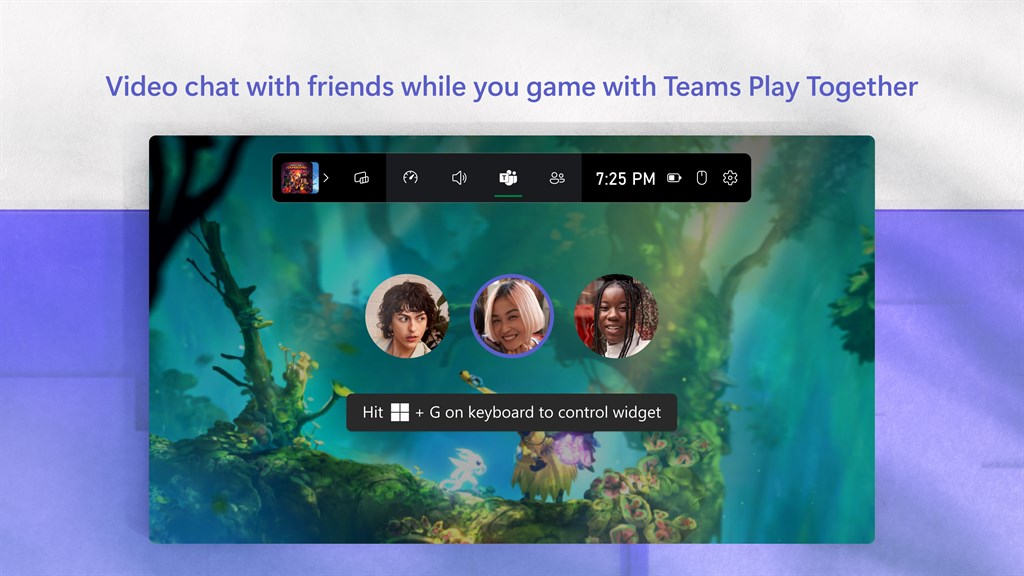
1. Performance Impact: Microsoft Teams Play Together feature can strain system resources, leading to potential slowdowns, especially on less powerful PCs. Running the collaboration tool alongside games may result in decreased performance and a less smooth gaming experience.
2. Limited Compatibility: Play Together may not support all PC games, particularly older titles or those with unique launchers. This limitation can hinder the feature's usefulness for gamers with diverse libraries wanting a consistent group play experience across their entire collection.
3. Feature Availability: Depending on the region or specific Microsoft Teams subscription, the Play Together feature might not be available to all users. This exclusivity can prevent some teams from utilizing the tool for remote gaming sessions and collaborative work-play environments.


