
Google Assistant
Productivity- Category Productivity
- Size2.31 MB
- RequirementsAndroid 5 and up
- Download 260,000,000+
- Package Name com.google.android.apps.googleassistant
- Age Rating 3
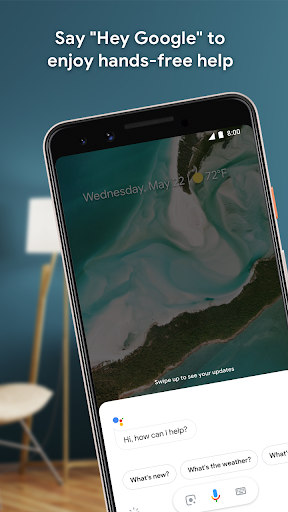
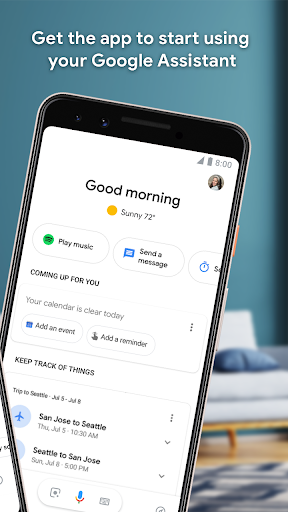
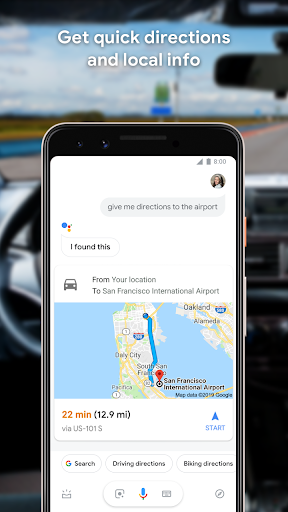

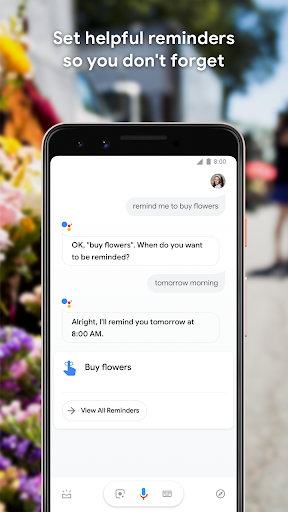
As a virtual personal assistant developed by Google Inc, Google Assistant enables users to get access to her with just one tap. Press and hold the home button of your phone and say, “Hey Google.” to get her. Google Assistant is compatible with iOS, Android, and those smart home devices.
History
Released on May 18, 2016, Google Assistant has served users for almost two years. It was once published as part of the unveiling of the Google Home smart speaker. Google CEO Sundar Pichai once explained that the assistant was designed in two-way conversations. It was an excellent experience which extends to different devices. Later, the leader of Google hired former Pixar animator Emma Coats to make Google Assistant be personalized.
Latest Update: Better Organized Settings Menu
Rather than keeping the settings all dumped into a single list, Google Assistant plans to add three categories to the settings menu:
· Customize your Assistant:General, Access your Assistant, Accessibility, Assistant devices, Languages, Assistant voice & sounds, Your information, At a Glance
· Get things done: Continued Conversation, Home & family, Notes & Lists, Reminders, Routines, Shortcuts
· Manage apps & services: Preferred apps & services and Your apps
This small change will make things look and feel more manageable.
What can Google Assistant do?
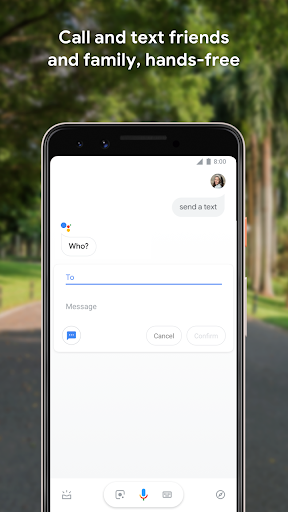
Text to someone some messages
Make a phone call instantly
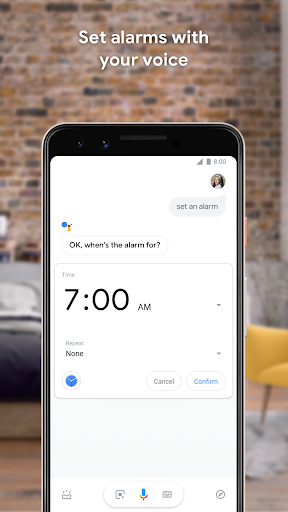
Help people set some reminders of something
Create a calendar event
Push weather information for users
Direct people to some place via navigation
Let people get update with the latest news
Open their favorite music


