
Google Docs
Productivity- Category Productivity
- Size115.11 MB
- RequirementsAndroid 4.4 and up
- Download 380,000,000+
- Package Name com.google.android.apps.docs.editors.docs
- Age Rating 3
Latest Update: More Fancy Stuff on Table of Contents
New changes have been made by Google. Today, a whole bunch of new ToC customization tools is coming to Google Docs. A new default ToC style for users to choose from will soon be available. And what’s more, users could have more controls on custom controls for tab leaders and page numbers, and adjust granular control over how far each level is indented. Google also improves its approach to ensure users can customize their tables in general. Therefore they are adding sidebar options picking up controls for the in-document alignment of the table itself, as well as display options for the cells within.
Developed by Google Inc. within its Google Drive service, Google Docs is a word processor with which you can write, edit and create impactful, meaningful and persuasive documents. This app can be used as the web application for Google Chrome, Apple Safari web browsers and also as a mobile app available on both iOS and Android operating systems.
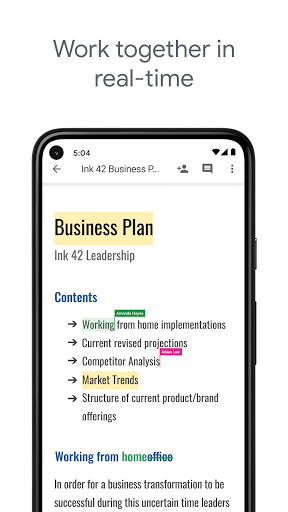
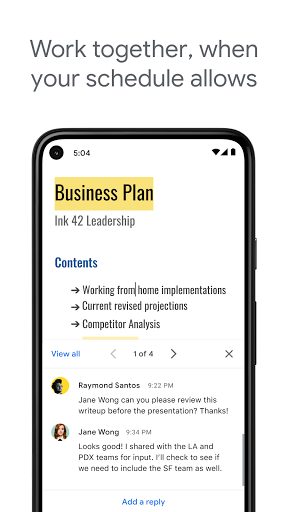
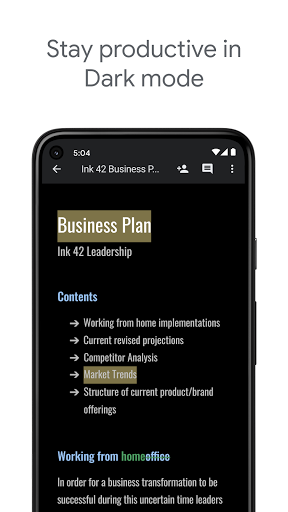
Users can write and edit files online when collaborating with others in real-time with Google Docs. Meanwhile, it tracks the revision history of users by presenting editing changes. Serving as a collaborative tool, Google Docs can be opened, edited and shared by many users simultaneously. And users can see the one-by-one changes when someone is editing. Plus, the Google's servers will save the revision changes automatically.
Features of Google Docs
Editing
With each user distinguished by color, it allows users to see the additions added to the document.
Launched in September 2016, the function of "explore" enables users to search results based on the information in the document.
Similar to the "commenting access", the "Suggested edits" allows users to accept or reject the suggestions for edit come up with by participants.
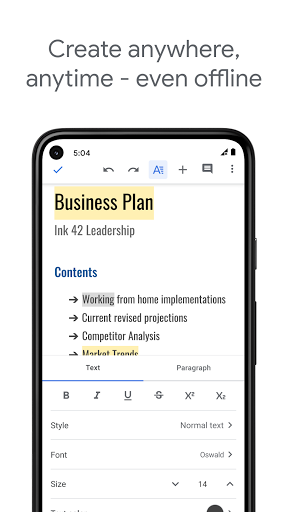
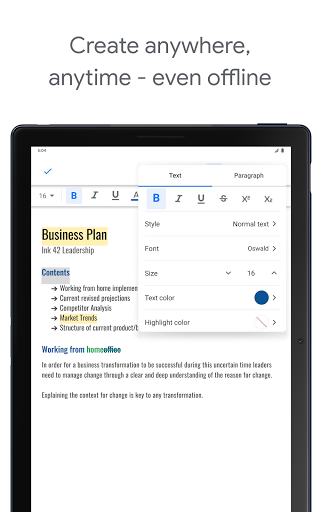
Users need to use the Google Chrome web browser if they want to view and edit documents offline.
Files
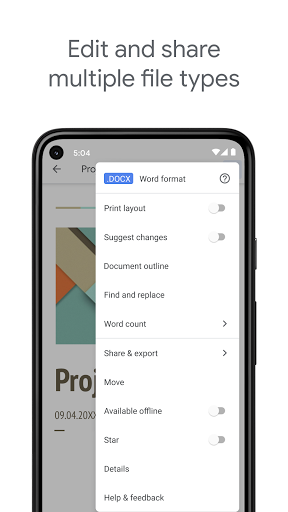
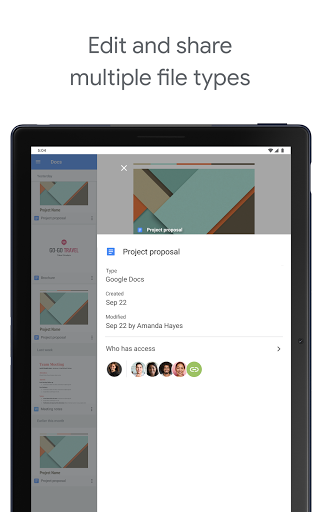
For Google Docs, multiple formats like .doc, .docx, .dot, .html, .rtf and more else can be viewed and converted.
Google Docs also has its own limits. It allows users edit up to 1.02 million characters regardless of the font size. Meanwhile, Files which are no more than 50 MB can be converted to .gdoc Docs format.
Pros
Designed visually elegant, Google Docs is a free online office app which is accessible for users from web browsers and portable devices. Moreover, users can easily track the changes made by collaborators.
Cons
Google Docs performs less powerful than some desktop-based suites since it requires installation of a browser plug-in for Chrome when editing offline.
Bottom Line
Google Docs has the best balance of power and speed when it comes to online office apps. It also runs faster to load and save in the test though it lacks some features offered by Microsoft Office 365.


