
Complete Anatomy 2024
for Windows- Name Complete Anatomy 2024
- Category Medical
- Downloads 99,000,000+
- Developer 3D4Medical
- Available on PC, Surface Hub
- OS Windows 10 version 17763.0 or higher
- Architecture x64
- Keyboard Integrated Keyboard
- Mouse Integrated Mouse
- DirectX DirectX 12 API, Hardware Feature Level 11
- Memory 4 GB
- Touch Not specified
- Camera Not specified
- Processor Intel Core i3, Intel Atom X5
- Graphics Processor Intel(R) HD Graphics 520, AMD Radeon HD 6700M Series

Pros
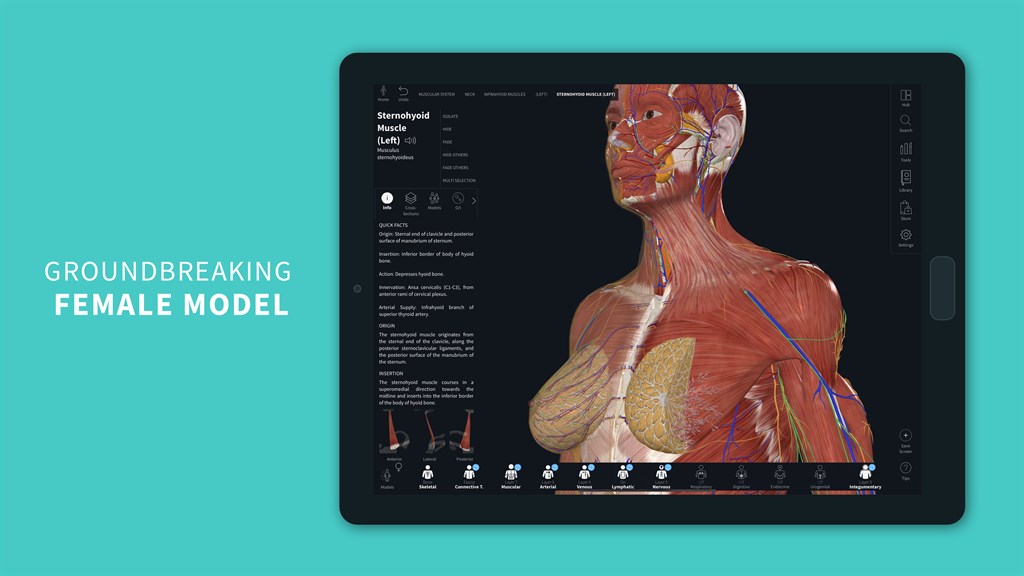
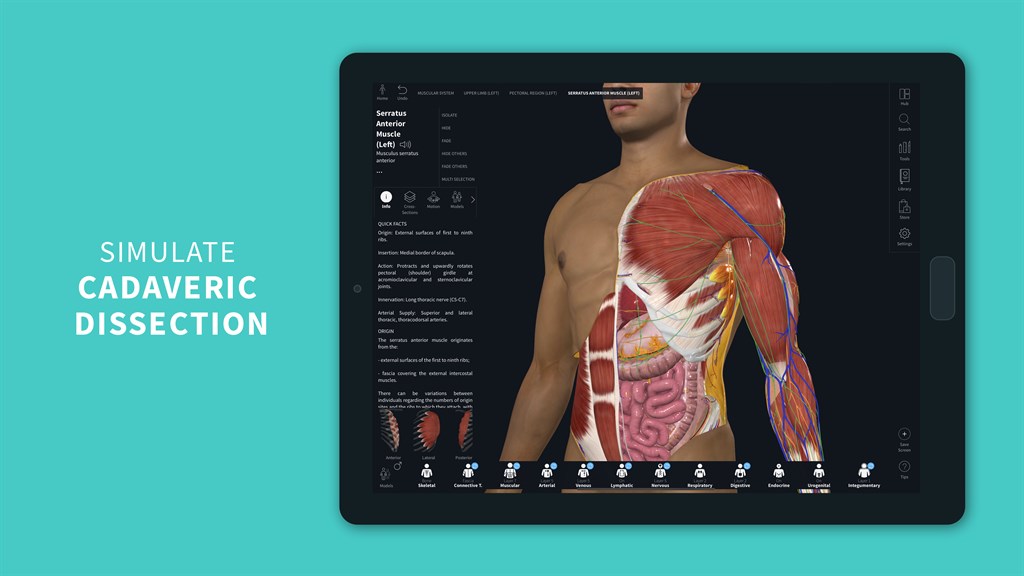
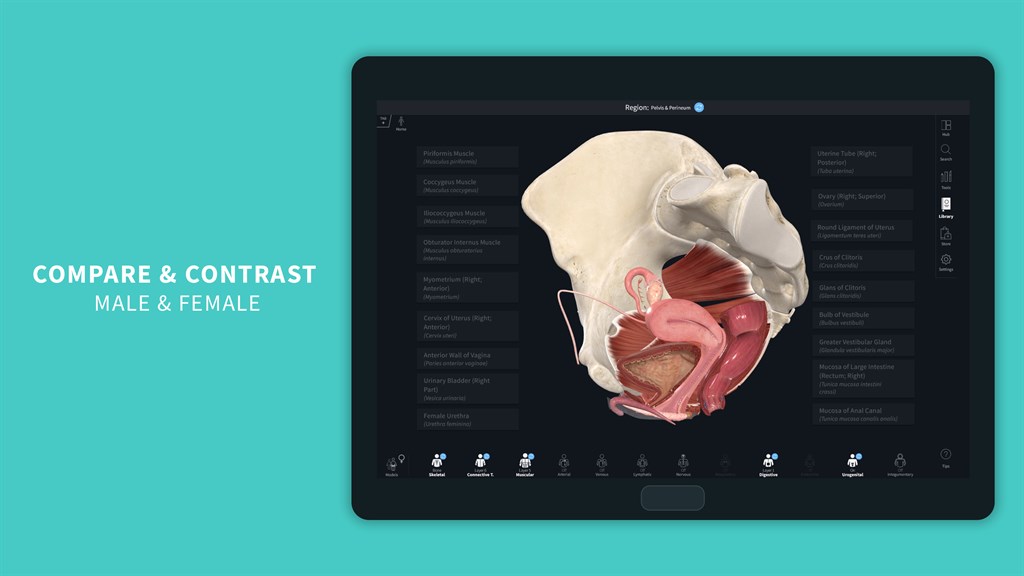
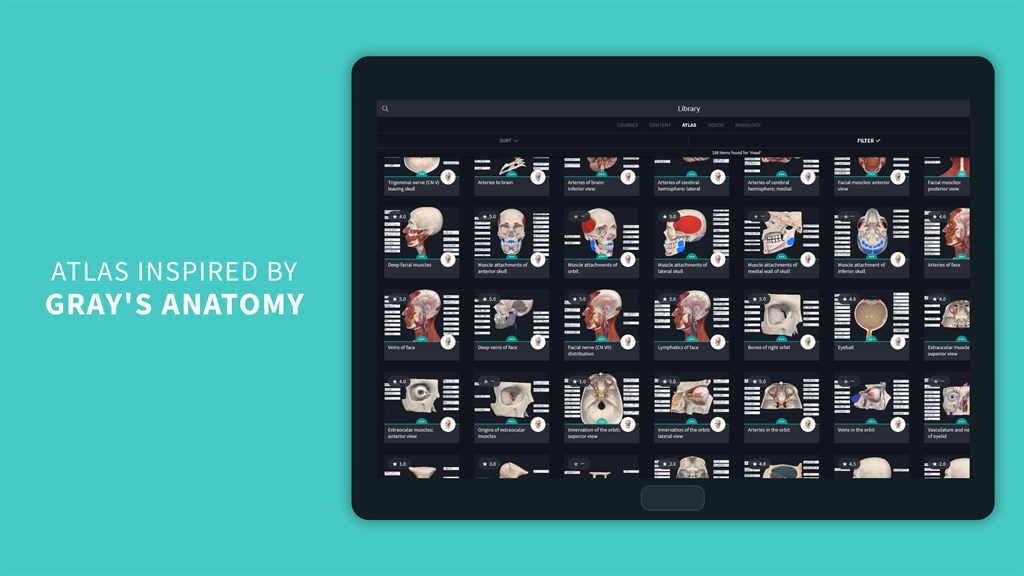
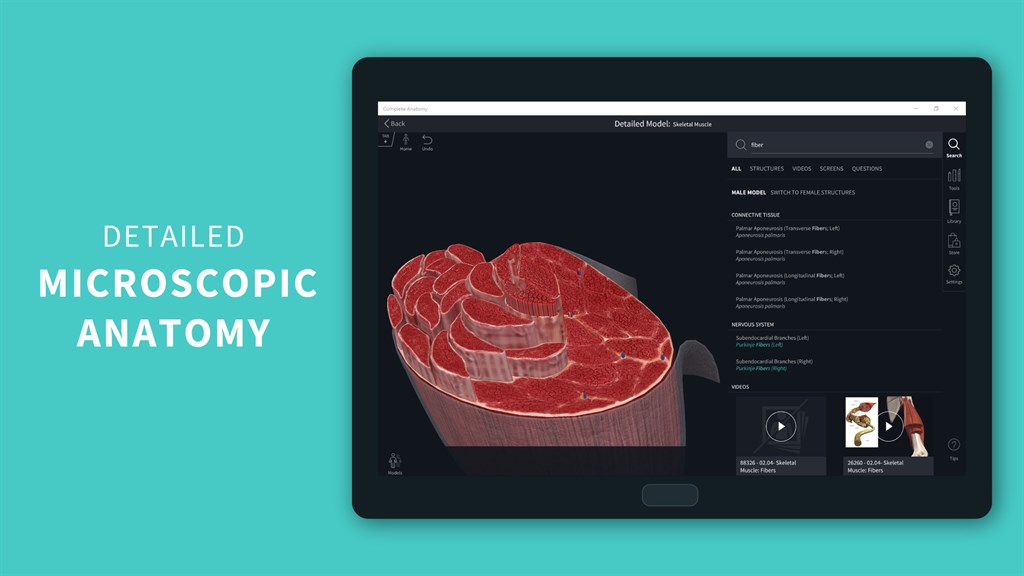
1. Detailed Visualization: Complete Anatomy 2024 offers high-resolution models that provide an immersive experience, allowing users to explore intricate details of the human anatomy, beneficial for both educational and professional purposes.
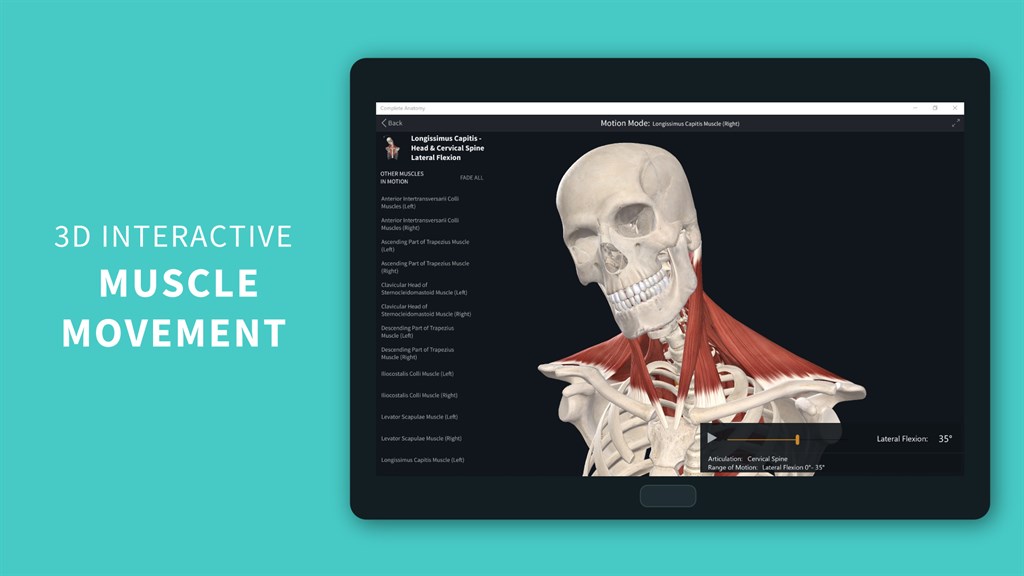
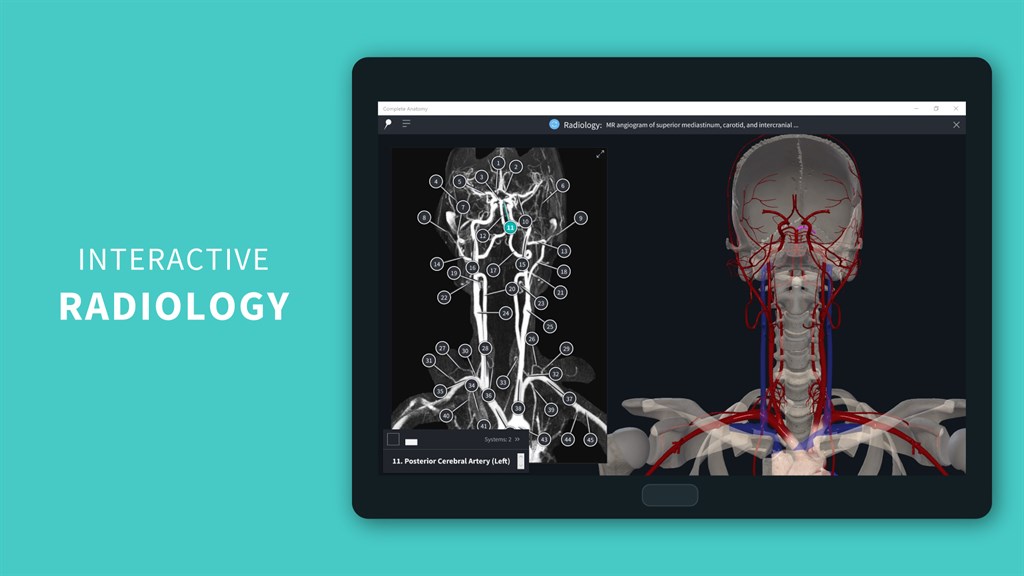
2. Interactive Learning: The software includes interactive features such as quizzes, lectures, and the ability to isolate, hide, and fade anatomical structures, facilitating active learning and better retention of information.
3. Cross-Platform Accessibility: With a PC version available, users can access the platform across various devices, ensuring consistent learning experiences and the convenience of studying from different locations without losing progress or quality.
Cons
1. High System Requirements: Complete Anatomy 2024 demands advanced graphics and processing power, which can exclude users with older or less powerful PCs, potentially requiring costly hardware upgrades.
2. Cost: The software can be expensive, especially when considering the full suite of features and content, which might not be affordable for all users, particularly students or professionals on a budget.
3. Steep Learning Curve: With its comprehensive and detailed features, new users might find the software overwhelming, necessitating a significant time investment to become proficient in navigating and utilizing all the available tools and resources.


